SoundBridge Radio
User Guide
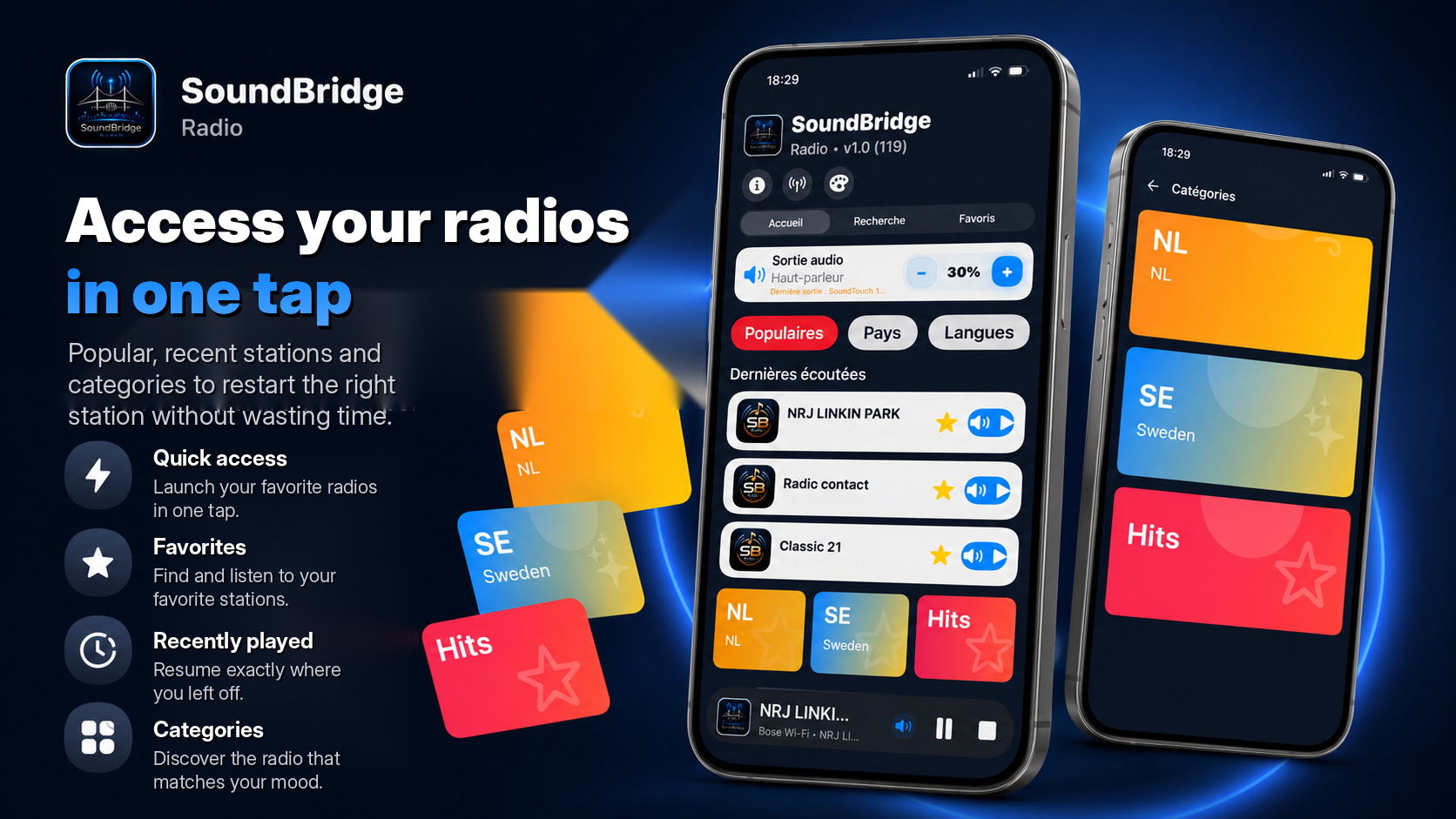
A few simple steps to listen to your radio stations on your preferred audio output.
Quick start
01
Open SoundBridge
The app loads the radio catalogue and prepares available audio functions.
02
Choose a station
Use search, countries, languages, genres, favorites or recently played radios.
03
Select audio output
Choose iPhone, AirPlay, Bluetooth, Sonos Wi-Fi, Google Cast or Bose depending on available devices.
04
Control playback
Use play, pause, resume and volume depending on the selected mode.